![Best Crypto Tax Software: Tool Review [2026]](https://cdn.prod.website-files.com/6a95337e10041febaa301cee/6abe54f4c4bb55127829ff8b_6a95337e10041febaa302216_65b16d765a43398f91f2b316_dominik-zeilinger.avif)
This guide compares popular crypto tax software tools to help you find the right one for tracking your transactions and preparing your crypto taxes.
We provide tips on selecting the right software, comparing features, use cases, and pricing. Here's a quick overview, with detailed tool presentations following in the article. Please note: this comparison is published by Blockpit, which is itself a provider of crypto tax software.
Best Crypto Tax Tools 2026
<figure class="block-table">
<table>
<tr>
<th>Name</th>
<th>NFT Support</th>
<th>DeFi Support</th>
<th>Portfolio tracking</th>
<th>Pricing</th>
</tr>
<tr>
<td>Blockpit</td>
<td>Full Support</td>
<td>Full Support</td>
<td>Yes, Free</td>
<td>from €49</td>
</tr>
<tr>
<td>CoinTracker</td>
<td>Limited</td>
<td>Limited</td>
<td>Yes, Free</td>
<td>from $59</td>
</tr>
<tr>
<td>TokenTax</td>
<td>Yes</td>
<td>Yes</td>
<td>No</td>
<td>from $49</td>
</tr>
<tr>
<td>Koinly</td>
<td>Yes</td>
<td>Limited</td>
<td>Yes, Free</td>
<td>from $49</td>
</tr>
<tr>
<td>ZenLedger</td>
<td>Limited</td>
<td>Yes</td>
<td>No</td>
<td>from $49</td>
</tr>
<tr>
<td>Summ (formerly CryptoTaxCalculator)</td>
<td>Full Support</td>
<td>Full Support</td>
<td>Yes, Free</td>
<td>from $49</td>
</tr>
<tr>
<td>Coinpanda</td>
<td>Yes</td>
<td>Yes</td>
<td>Yes, Free</td>
<td>Free up to 25 transactions</td>
</tr>
<tr>
<td>Coinledger</td>
<td>Limited</td>
<td>Yes</td>
<td>Yes, Free</td>
<td>from $49</td>
</tr>
</table>
</figure>
Prices as published by the providers, checked in October 2026. Prices and features can change, so please check the provider's website before buying.
What is Crypto Tax Software, and Why Do I Need It?
Crypto tax software helps you calculate taxes and prepare your tax return for cryptocurrency transactions like buying, selling, staking, mining, and exchanges.
It integrates with crypto exchanges and wallets to import transaction data, track performance, and generate tax reports, also offering tax optimization tips.
With increasing regulatory scrutiny, a complete and traceable transaction history is becoming more important. Crypto tax software helps you categorize transactions consistently and prepare your tax report based on the current tax rules of your country.
<div class="card_body_small infobox green margin-bottom_medium margin-top_small"><div class="flex_horizontal gap-xxsmall margin-bottom_xxsmall"><div class="icon_small is-infobox w-embed"><svg xmlns="http://www.w3.org/2000/svg" width="24" height="24" viewBox="0 0 24 24" fill="none">
<path d="M7.49281 18.5C7.06823 18.5 6.67296 18.2635 6.51759 17.8684C6.18349 17.0187 6 16.0933 6 15.125C6 13.3759 6.59874 11.7667 7.60244 10.491C7.75335 10.2993 7.97456 10.1821 8.20214 10.094C8.67496 9.91091 9.09254 9.57968 9.4141 9.16967C10.1873 8.18384 11.1617 7.3634 12.2755 6.77021C12.9977 6.38563 13.6243 5.81428 13.9281 5.05464C14.1408 4.5231 14.25 3.95587 14.25 3.38338V2.75C14.25 2.33579 14.5858 2 15 2C16.2426 2 17.25 3.00736 17.25 4.25C17.25 5.40163 16.9904 6.49263 16.5266 7.46771C16.261 8.02604 16.6336 8.75 17.2519 8.75H20.3777C21.4044 8.75 22.3233 9.44399 22.432 10.4649C22.4769 10.8871 22.5 11.3158 22.5 11.75C22.5 14.5976 21.5081 17.2136 19.851 19.2712C19.4634 19.7525 18.8642 20 18.2462 20H14.2302C13.7466 20 13.2661 19.922 12.8072 19.7691L9.69278 18.7309C9.23393 18.578 8.75342 18.5 8.26975 18.5H7.49281Z" fill="#4CAF50"></path>
<path d="M2.33149 10.7271C1.79481 12.0889 1.5 13.5725 1.5 15.125C1.5 16.3451 1.68208 17.5226 2.02056 18.632C2.27991 19.482 3.10418 20 3.99289 20H4.90067C5.3462 20 5.62137 19.5017 5.42423 19.1022C4.83248 17.9029 4.5 16.5528 4.5 15.125C4.5 13.4168 4.97588 11.8198 5.8023 10.4593C6.0473 10.0559 5.77404 9.5 5.30212 9.5H4.24936C3.41733 9.5 2.63655 9.95303 2.33149 10.7271Z" fill="#4CAF50"></path>
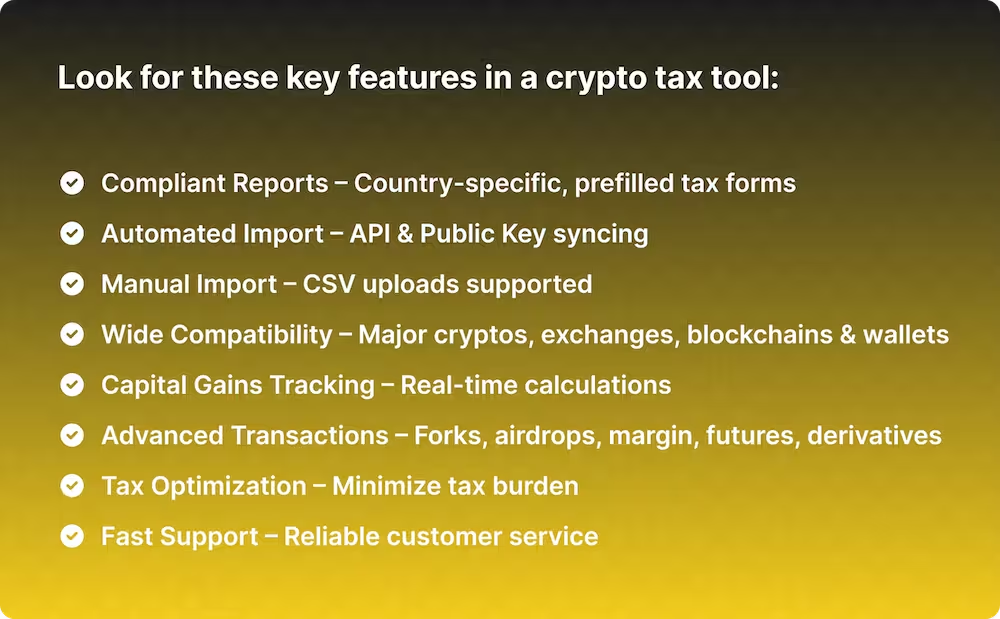
</svg></div><div class="label"><span class="text_bold text-color-blue">Tip</span></div></div><div class="label">When choosing crypto tax software, ensure it offers country-specific tax reports, automatic imports from exchanges and wallets, and dedicated customer support. Most tools offer free trials, so test the software thoroughly before purchasing a license.</div></div>
1. Blockpit
Blockpit is a crypto tax platform based in Linz, Austria, and acquired its competitor Accointing in 2023. According to Blockpit, more than 350,000 customers use the platform and over 1.2 million tax reports have been created.
With Blockpit, you create country-specific tax reports, including pre-filled forms where available. Your transactions are automatically imported from almost all exchanges, wallets, and blockchains. You have the choice: create the report yourself or have it prepared by certified experts with the Blockpit Expert Service, whose experts are based in Austria and Germany.
According to Blockpit's data, users save an average of €2,395 in taxes with Blockpit's tax optimizer.
You can track your crypto portfolio for free and without limits. Only the tax report needs to be purchased. Premium features for deeper analysis, smarter optimization, and better decisions are available with Blockpit Plus.
Advanced users are covered too: NFTs, DeFi, staking, and mining are fully supported.
Features
Pro
- Country-specific tax reports with pre-filled tax forms
- Individual tax treatment for different asset types (crypto, NFTs, derivatives, commodities, fiat)
- Crypto tax optimizer with sale simulator and holding period tracker
- Free portfolio tracking with unlimited transaction import in the free version
- Blockchain imports for over 500,000 assets
- DeFi and NFTs, including NFT display directly in the transaction overview
- Mobile app for iOS and Android
- Dedicated customer support and support AI bot in the app
- Expert Service: create the report yourself or have it prepared for you
Con
- Tax calculation methods are preset per country, so custom settings are limited.
Pricing
Portfolio Tracking - Free
Tax Reports - one-time purchase per tax year, transaction limit applies only to the respective tax year
- Small - 50 transactions - €49
- Medium - 1,000 transactions - €99
- Large - 3,000 transactions - €149
- X-Large - 10,000 transactions - €229
- XX-Large - 10,000+ transactions - €549
Blockpit Plus - €3.99 per month (billed annually) - Premium features for deeper analysis, smarter optimization, and better decisions.
- Daily synchronization of your wallets and exchanges
- Holding period tracker
- Advanced portfolio insights and performance analytics
- Tax metrics for all transactions
- Crypto tax optimizer and unique sale simulator
- All chart options for historical analysis
- NFT gallery for your collectibles
Trial
Portfolio tracking with unlimited transaction import is always free!
Plus 14 days of free Blockpit Plus with all premium features, ending automatically. Tax report not included.
Integrations
Blockpit offers integrations with over 160 exchanges, 190 blockchains, and 70 wallets, so you can automatically import your transactions.
Supported Countries
Country-specific tax reports for 36 countries, including: Germany, Austria, Switzerland, USA, UK, France, Spain, Netherlands, Belgium, Italy, etc. Generic tax reports for 100+ additional countries.
<div class="card_body_small infobox margin-bottom_medium margin-top_small"><div class="flex_horizontal-copy gap-xxsmall margin-bottom_xxsmall"><div class="icon_small is-infobox w-embed"><svg xmlns="http://www.w3.org/2000/svg" width="24" height="24" viewBox="0 0 24 24" fill="none">
<path fill-rule="evenodd" clip-rule="evenodd" d="M2.25 12C2.25 6.61522 6.61522 2.25 12 2.25C17.3848 2.25 21.75 6.61522 21.75 12C21.75 17.3848 17.3848 21.75 12 21.75C6.61522 21.75 2.25 17.3848 2.25 12ZM10.9562 10.5584C12.1025 9.98533 13.3931 11.0206 13.0823 12.2639L12.3733 15.0999L12.4148 15.0792C12.7852 14.894 13.2357 15.0441 13.421 15.4146C13.6062 15.7851 13.4561 16.2356 13.0856 16.4208L13.0441 16.4416C11.8979 17.0147 10.6072 15.9794 10.9181 14.7361L11.6271 11.9001L11.5856 11.9208C11.2151 12.1061 10.7646 11.9559 10.5793 11.5854C10.3941 11.2149 10.5443 10.7644 10.9148 10.5792L10.9562 10.5584ZM12 9C12.4142 9 12.75 8.66421 12.75 8.25C12.75 7.83579 12.4142 7.5 12 7.5C11.5858 7.5 11.25 7.83579 11.25 8.25C11.25 8.66421 11.5858 9 12 9Z" fill="#1A73E8"></path>
</svg></div><div class="label"><span class="text_bold text-color-blue">Good to know</span></div></div><div class="label">Yes, we put ourselves first, and you should know that this comparison comes from Blockpit. Our reasons: over 350,000 customers, more than 1.2 million tax reports created, country-specific reports for 36 countries and the choice between creating your report yourself or having it prepared by our <a id="" href="/expert-service">Experts</a>. Interested? <a id="" href="/sign-up">Get started for free today!</a></div></div>
2. CoinTracker

CoinTracker supports over 500 exchanges and wallets and integrates with TurboTax and H&R Block for US filing. Users can share tax reports with tax professionals, and pricing is based on the number of transactions per year.
Features
Pro
- NFT Gallery for Ethereum addresses
- Integrations with TurboTax and H&R Block for filing in the US
Con
- Limited options for manual editing of transactions
- Only shows NFT images on Ethereum
- Lack of DeFi support on other chains
- Tax loss harvesting only from the Prime plan
Pricing
Per year:
- Free – portfolio value and tax summary, no tax forms
- Base – $59 – up to 100 transactions
- Prime – $199 – up to 1,000 transactions
- Ultra – up to 10,000 transactions
Trial
Free tier including tax summary, portfolio value and self-serve support.
NFT & DeFi Support
Support for NFTs on Ethereum and Solana
Support for DeFi on Ethereum
Country Support
Full support for US, India, UK, Canada, and Australia and partial support for several other countries.
3. TokenTax

TokenTax offers crypto tax software and a full-service option where its in-house CPAs and EAs file your tax return. It supports all centralized exchanges, US tax forms, average cost basis for UK and Canadian filers, and tax-loss harvesting from the Premium plan.
Features
Pro
- Support for every centralized exchange in all plans
- Optional full filing by TokenTax tax professionals
Con
- No free plan
- Tax loss harvesting only from the Premium plan
Pricing
Per tax year
- Basic – $49 – up to 100 transactions
- Premium – $199 – up to 5,000 transactions, tax loss harvesting
- Pro and VIP – higher transaction volumes and additional services
Trial
No free plan
NFT & DeFi Support
Yes
Country Support
US, UK, Canada + Generic reports
4. Koinly
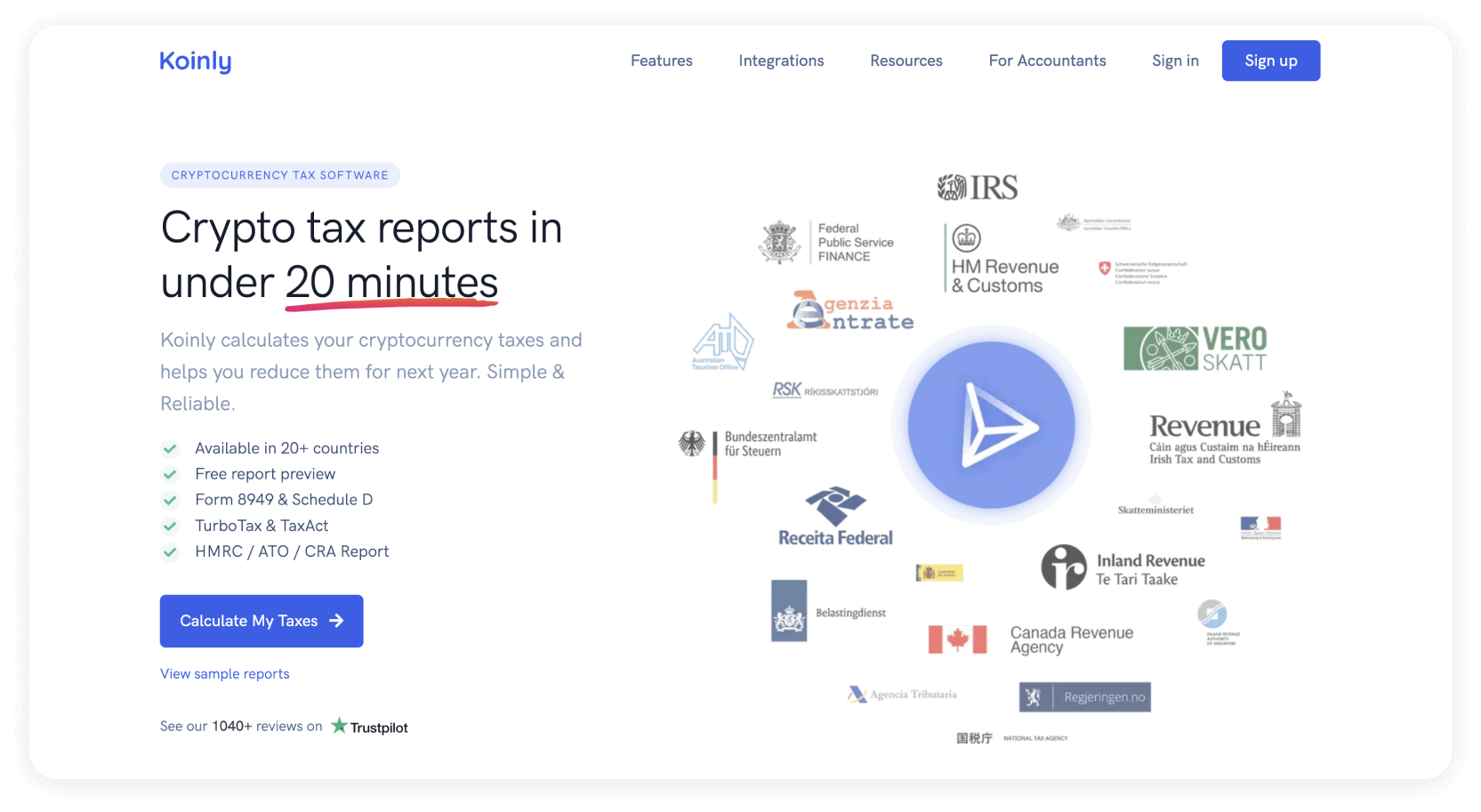
Koinly is a popular crypto tax tool with country-specific frameworks and a user-friendly interface. The free version lets you import up to 10,000 transactions and preview your gains. It provides tax reports for many countries, multiple cost-basis methods, and supports a wide range of exchanges, wallets, and blockchains. US users can export files compatible with TurboTax and TaxACT. Koinly also includes error reconciliation features.
Features
Pro
- TurboTax Online (and CD/DVD), TaxACT
- Multiple cost-basis methods
- Smart transfer matching between your own wallets
- Good user experience, easy to reconcile transactions manually
Con
- Basic NFT support (not showing the pictures in the transaction overview) for most EVM-based blockchains such as Ethereum, BNB Smart Chain, Fantom, Avalanche, Polygon, Cronos as well as Solana.
- No tax-loss harvesting feature
- No prefilled country specific tax reports outside the USA
Pricing
Per tax year:
- Free – up to 10,000 transactions, portfolio tracking, no tax reports
- Newbie – $49 – up to 100 transactions
- Hodler – $99 – up to 1,000 transactions
- Trader – from $199 – 3,000+ transactions
Trial
Free plan with up to 10,000 imported transactions. No tax report.
NFT & DeFi Support
NFT support for EVM-chains and Solana
DeFi support for basic 1:1 transactions
Country Support
Tax reports for many countries (support of multiple cost-basis methods depending on country: FIFO, LIFO, HIFO, Average Cost, Share Pooling & Spec ID). Pre-filled tax forms for USA.
5. ZenLedger

ZenLedger's crypto tax calculator supports the US tax system and provides generic reports for other countries. Subscription plans include DIY options and more expensive plans where tax professionals handle everything. Country-specific tax forms and TurboTax integration are available for US users. Generic reports support FiFO, LiFO, and HiFO methods. All plans include a tax-loss harvesting tool.
Features
Pro
- TurboTax Integration
- Tax-Loss Harvesting Tool in all plans
Con
- Hard to edit transactions manually
- Strong US focus
Pricing
Per tax year: from $49 for up to 100 transactions, up to $399 for higher transaction volumes.
Trial
None
NFT & DeFi Support
Yes, but NFTs without picture
Country Support
Country specific pre-filled tax form only for the US.
Support for every country where either FiFo, LiFo, or HiFo is used.
6. Summ (formerly CryptoTaxCalculator)

Summ, formerly known as CryptoTaxCalculator and founded in Australia in 2018, is beginner-friendly. It offers a free version for portfolio tracking. Access to advanced features like tax loss harvesting and priority support depends on your subscription. It supports API key integrations and CSV uploads. Generic reports with country-specific tax settings for many countries are available, but no pre-filled tax forms.
Features
Pro
- Free trial version
Con
- Hard to manually edit transactions (especially converting deposits/withdrawals to trades or transfers)
- Overwhelming UI with a lot of information
Pricing
Subscription, billed yearly
- Rookie – $49 – up to 100 transactions
- Hobbyist – $99 – up to 1,000 transactions
- Higher plans for up to 200,000 transactions, including tax loss harvesting
Trial
Free trial with transaction import and portfolio tracking. No report.
NFT & DeFi Support
Yes
Country Support
Generic reports with predefined country-specific tax settings for each of the supported countries: Canada, US, Australia, Japan, New Zealand, Singapore, Austria, Belgium, Germany, Finland, France, Greece, Ireland, Italy, Netherlands, Norway, Portugal, Spain, Sweden, Switzerland, United Kingdom, South Africa.
7. Coinpanda

Coinpanda's crypto tax software serves North America and parts of Europe. It offers a free plan for up to 25 transactions, including imports, DeFi, NFTs, margin trading, and tax reports. Country-specific reports are available for the US, Canada, Germany, and Norway. It supports FiFO and LiFO for capital gains and integrates with TurboTax, TaxAct, and Wolters Kluwer.
Features
Pro
- TurboTax, TaxAct, Wolters Kluwer
- Shows NFT pictures directly in the transaction overview
Con
- Hard to reconcile transactions manually
- Basic tax loss harvesting feature
Pricing
Per tax year: free up to 25 transactions, paid plans from 100 transactions (Hodler) up to 20,000 transactions (Satoshi, $389).
Trial
Free plan with up to 25 transactions and tax report.
NFT & DeFi Support
Yes
Country Support
Coinpanda supports all countries that use FIFO or LIFO cost basis methods for calculating capital gains. Custom tax reports & forms for certain countries like the US, Canada, Germany & Norway.
8. Coinledger
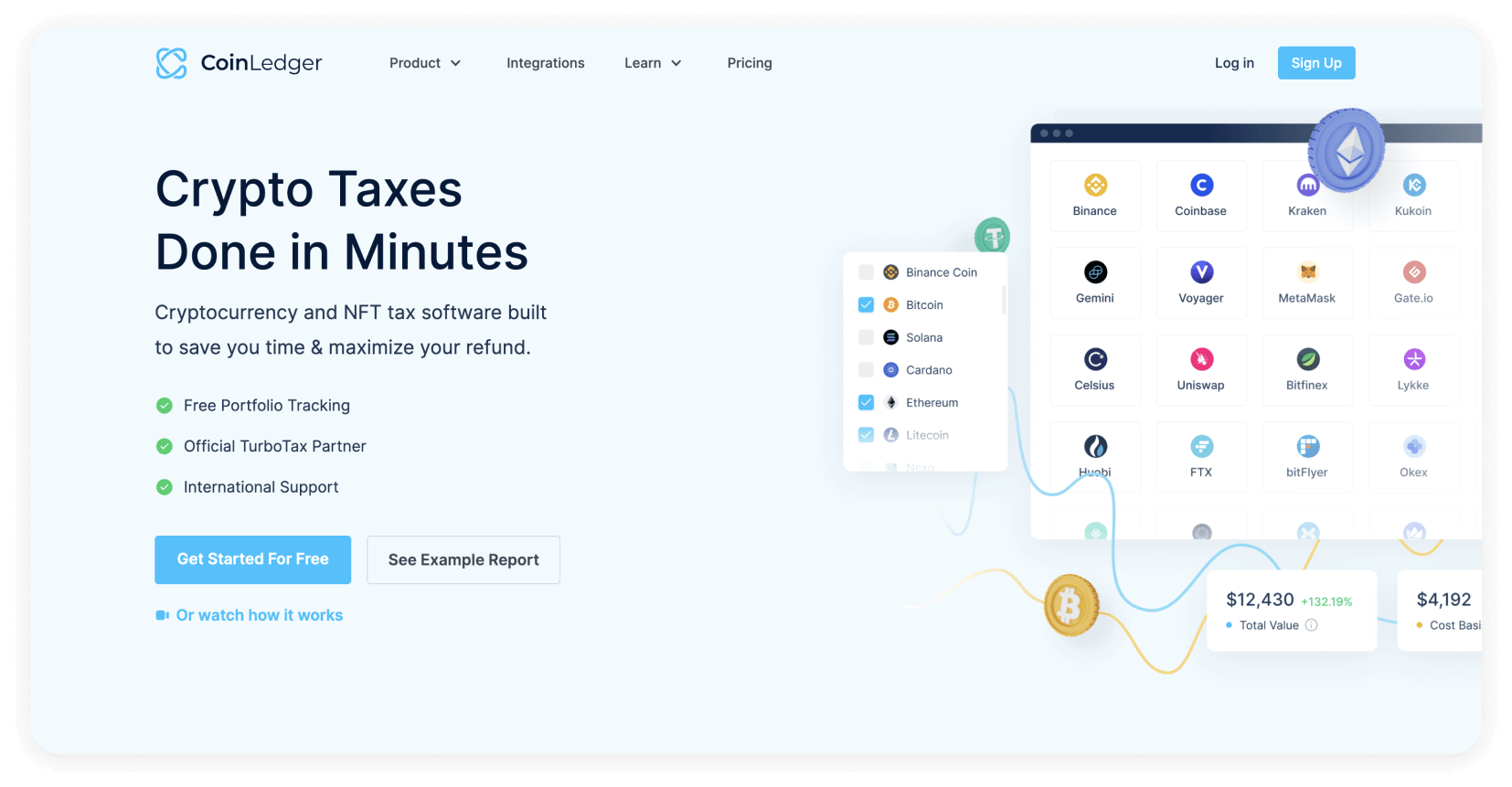
Coinledger, founded in 2018, is a TurboTax partner in the US. It now supports countries using FiFO, HiFO, LiFO, or ACB methods. The software integrates with TurboTax, TaxAct, H&R Block Desktop, and TaxSlayer. The free plan allows unlimited transactions but doesn't include tax reports. Its user-friendly interface offers guides for importing transactions from various exchanges, wallets, and blockchains.
Features
Pro
- TurboTax integration, TaxACT, H&R Block Desktop, TaxSlayer
Con
- Country specific tax report only for US
Pricing
One-time purchase per tax season:
- Free – unlimited transactions, portfolio tracking, no tax reports
- Hobbyist – $49 – up to 100 transactions
- Investor and higher plans for more transactions
Trial
Free plan with unlimited import of transactions. No tax report.
NFT & DeFi Support
Yes, NFTs without pictures.
Country Support
Prefilled country specific tax report only for US.
Generic reports with either FiFo, LiFo, HiFo or ACB (Adjusted Cost Base) calculation method
Additional Support
Certified tax advisors, auditors, consultants and lawyers can handle your taxes for you. Look for professionals with experience in crypto investments.
Keep in mind that tax advisors require your complete transaction history and will charge a fee. Using crypto tax software can save not only you time and money, but also your tax advisor.
FAQ
How are cryptocurrencies taxed?
Cryptocurrencies are typically taxed as property, with capital gains or losses realized upon the sale, trade, or use of the digital asset. Tax liabilities depend on the holding period, jurisdiction, and individual circumstances. To sum it up: it depends.
Check out our crypto tax guides to learn more about crypto taxation in your jurisdiction.
Do crypto exchanges like Binance or Coinbase report directly to the tax authorities?
Yes, in the U.S., exchanges like Coinbase report certain user activities to the IRS. Binance.com does not serve U.S. customers and therefore does not report to the IRS; however, its U.S. affiliate, Binance.US, does report to the IRS.
In the EU, the Directive on Administrative Cooperation (DAC8) requires crypto-asset service providers to collect user transaction data from January 1, 2026 and to report it to the tax authorities for the first time in 2027.
Can tax authorities track crypto transactions?
Yes. Tax authorities use various methods and cooperate with other agencies to track crypto transactions. They can request user information from crypto exchanges and combine it with blockchain analytics.
CARF and DAC8 significantly expand international data sharing, greatly increasing the likelihood that crypto transactions are detected and attributed to specific individuals.
How do I import crypto transactions into the crypto tax software?
Most of your transactions can usually be imported automatically by connecting your exchange or wallet with the crypto tax tool. This can happen with API keys or through public keys. Everything else can be imported manually or by uploading a CSV file.
Can I file the crypto tax return myself?
Yes. With Blockpit, you can create your crypto tax report yourself and use it for your tax return. If you prefer support, the Blockpit Expert Service can prepare the report for you.